

Delete Account
Before deleting your account, Kindly review the following carefully.

Last updated: December, 2025
What Happens When You Delete Your Shiga Account
Users can now deactivate their accounts directly via Settings → Security, eliminating the need to email deactivation requests to help@shiga.io.
After confirming account deactivation, you will no longer be able to:
- Log in to your Shiga account
- Reuse the same email address or mobile number to create a new Shiga account
- Verify another account using the same KYC documents (if applicable)
- Access or reactivate any Subaccounts linked to your Main Account
How to Deactivate Your Shiga Account
Method 1: When Logged In (Self-Service)
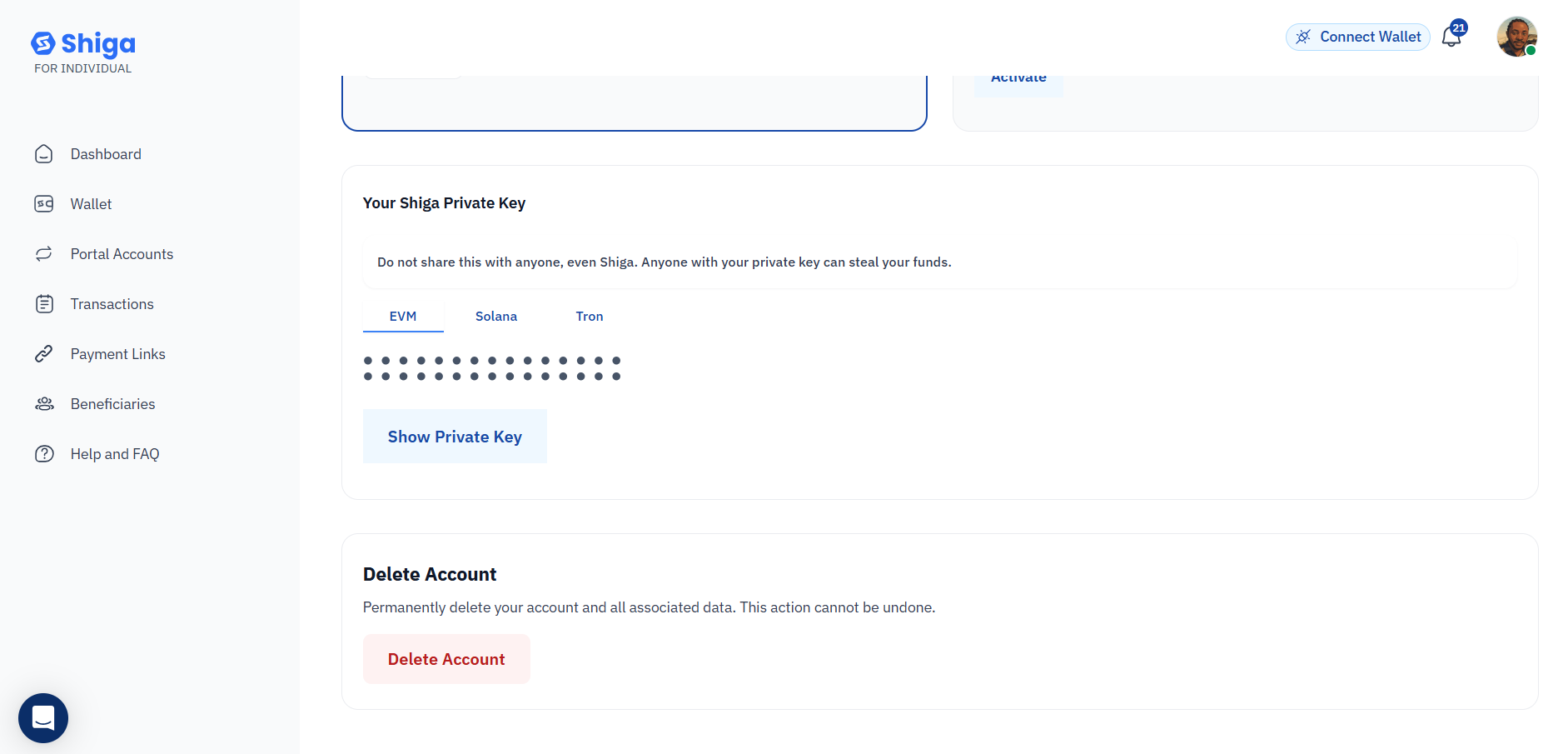
- Navigate to Security Settings
- Log in to your Shiga account
- Click your profile icon (top-right corner)
- Select Settings → Account & Security
- Initiate Deactivation
- Under Account Activities, click Deactivate Account
- Select your reason:
- Suspicious activity (for compromised accounts)
- Discontinuing use (voluntary closure)
- Other (describe in text box)
- Confirm Deactivation
- Review consequences (see warnings below)
- Click Confirm to finalize
Method 2: When Logged Out (Assisted Process)
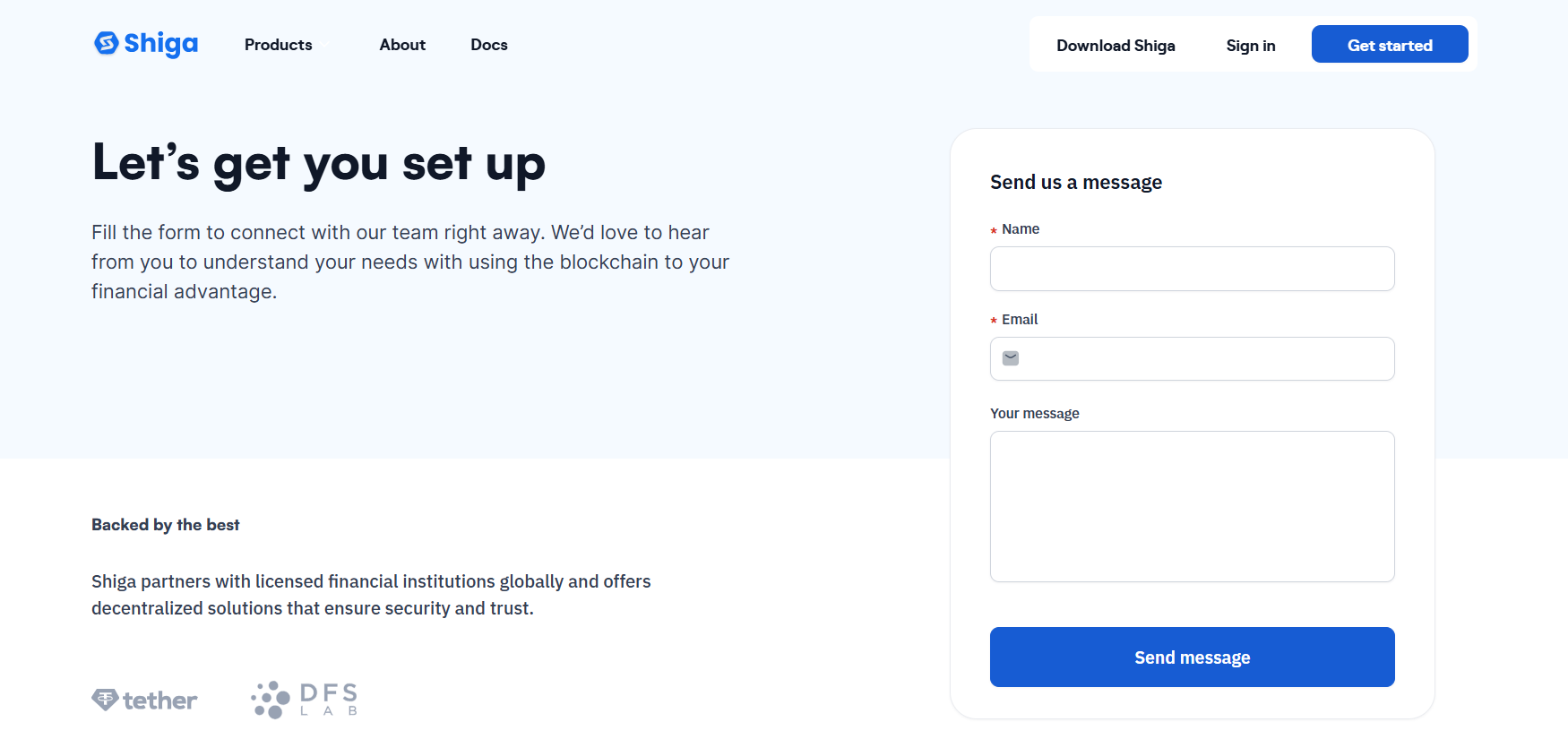
- Start Deactivation Request
-
Visit Shiga Contact Page
- Write us a message and we'll get in touch via email
-
Immediate Effects
- Login access revoked permanently
- Registered email/phone cannot be reused
- KYC-verified documents are permanently linked
Security Recommendation
- Choose Suspicious Activity reason if account was compromised
- Clear remaining balances before deactivation
Need help? Contact our support team at
Contact Support

MOBILE APPS
 iOS App
 Android App
LEGAL
Terms of Service
Privacy Policy
Shiga Digital Limited is a company incorporated and registered in the DIFC, United Arab Emirates, with company number 11065, is a FINTECH that specialises in developing cutting-edge applications using blockchain and cloud technology. Shiga Digital offers its products and services in partnership with licensed transmitters in their respective jurisdictions. All trademarks and brand names belong to their respective owners. Use of these trademarks and brand names do not represent endorsement by or association with Shiga Digital.
IMPORTANT INFORMATION ABOUT PROCEDURES FOR OPENING A NEW ACCOUNT: By creating your account with Shiga Digital Limited, you agree to our terms and conditions and our partners' terms, to all applicable laws and regulations, and to being responsible for compliance with any and all applicable local laws.
Cookie Policy
Shiga uses cookies to enhance your browsing experience, provide essential site functionality, and analyze how our platform is used. Some cookies are required for the site to work, while others help us improve your experience.
Our site also uses cookies to enhance your experience on this platform. You can modify your preference using the option below. Please read our for more information.